

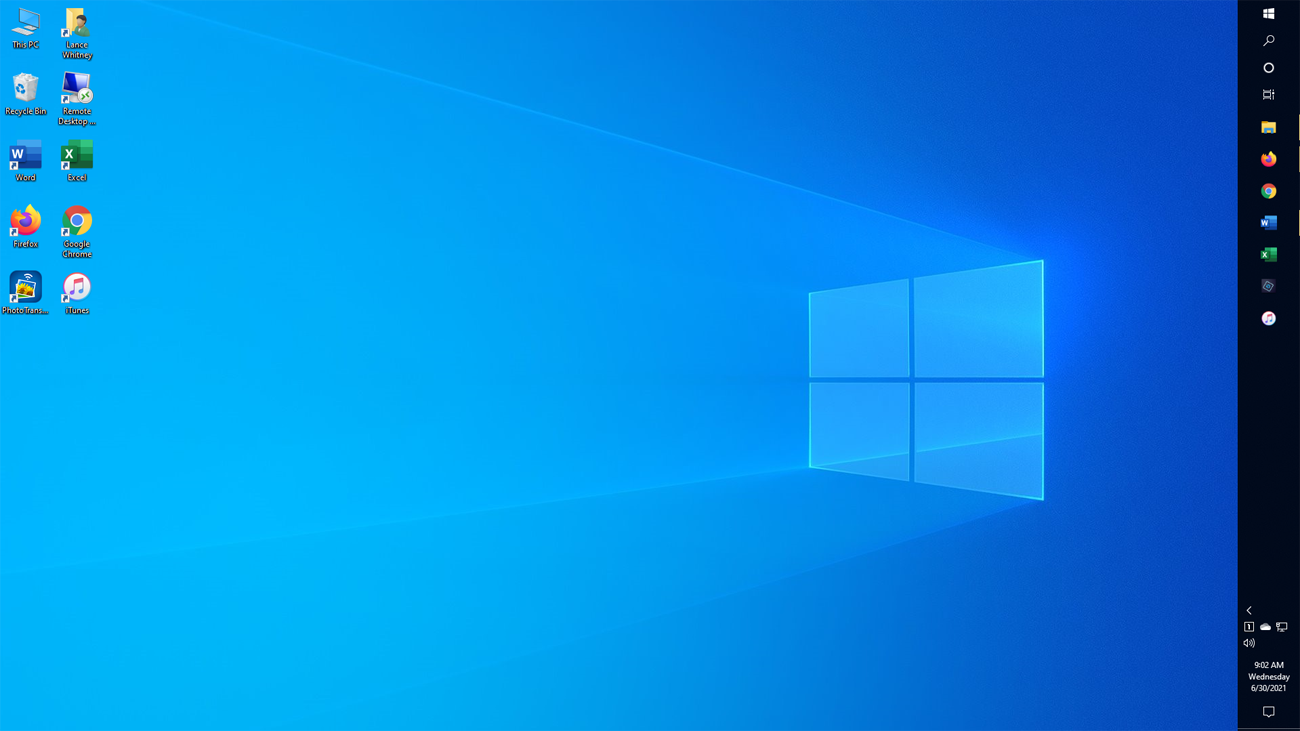
TaskbarX stands out among Windows customization tools because it focuses on one of the most visible parts of the operating system—the taskbar—and improves it in a simple but impactful way. While many tools try to redesign the entire desktop, TaskbarX concentrates on refining the taskbar experience with precision, smoothness, and minimal system impact.
Its uniqueness comes from combining visual modernization, lightweight performance, and deep customization in a way that feels natural inside Windows rather than replacing it.
Centered Taskbar Icons with Fluid Behavior
One of the most unique features of TaskbarX is its ability to center taskbar icons while keeping them dynamically balanced. Unlike the default Windows layout, which keeps icons aligned to one side, TaskbarX places them in the middle of the taskbar.
What makes this unique is not just centering, but how the icons smoothly adjust whenever applications are opened or closed. The movement feels natural and animated instead of rigid or static.
This creates a visually balanced desktop that feels modern and carefully designed, rather than traditionally structured.
Smooth Animation System
TaskbarX is also unique because of its smooth animation system for taskbar icon transitions. Most versions of Windows either snap icons instantly into place or offer very limited motion effects.
TaskbarX introduces fluid movement, where icons glide into position when changes occur. This gives the desktop a more polished and modern feel.
The animations are subtle but effective, making everyday interactions feel more responsive and visually engaging.
Lightweight Design with Strong Visual Impact
Another factor that makes TaskbarX unique is its balance between performance and visual enhancement. Many customization tools tend to be heavy and consume system resources, but TaskbarX remains extremely lightweight.
Despite using minimal CPU and RAM, it delivers noticeable visual improvements such as centered icons, smooth animations, and transparency effects.
This combination of low system impact and high visual quality makes it different from more complex or resource-heavy customization software.
Deep Taskbar Customization Options
TaskbarX provides more control over the taskbar than the default Windows settings. Users can adjust icon alignment, animation speed, spacing, and transparency levels.
This level of customization is unique because Windows itself offers only limited taskbar personalization options. TaskbarX fills this gap by giving users detailed control over how their taskbar behaves and looks.
Users can create simple, minimal layouts or more advanced aesthetic setups depending on their preferences.
Transparency and Modern Visual Effects
Another unique aspect of TaskbarX is its support for transparency and blur effects. These effects allow the taskbar to blend naturally with the desktop wallpaper.
This creates a modern glass-like appearance that is often associated with contemporary UI design trends. Many Windows users appreciate this feature because it makes the desktop feel more refined and visually appealing.
These effects are not fully customizable in standard Windows settings, which makes TaskbarX stand out.
Minimal Interference with Windows System
Unlike many customization tools that heavily modify system files or replace core Windows components, TaskbarX works in a lightweight and non-intrusive way.
It mainly adjusts how the taskbar is displayed rather than changing the operating system itself. This reduces the risk of system instability and makes it easier to use or uninstall if needed.
This non-invasive design approach makes it safer and more user-friendly compared to deeper system modification tools.
Better Experience for Multi-Monitor Setups
TaskbarX is also unique in how it handles multi-monitor environments. It can center icons on each display independently, creating a consistent and balanced appearance across all screens.
This is especially useful for users who work with multiple monitors for productivity, gaming, or creative work.
The ability to maintain visual symmetry across displays is something that is not fully handled by default Windows settings.
Influence on Modern Windows Design Trends
TaskbarX has indirectly influenced modern Windows design trends. Before Windows 11 introduced centered taskbar icons, TaskbarX was already popular for providing that experience on Windows 10.
This shows that it helped shape user expectations for modern desktop design. Its popularity demonstrated that users preferred cleaner, centered, and more minimal interfaces.
Even after Windows adopted similar ideas, TaskbarX remained relevant because of its additional customization features.
Easy-to-Use Customization Tool
Another unique strength of TaskbarX is its simplicity. Despite offering advanced visual control, it remains easy to install and use.
Users do not need technical knowledge to center icons or adjust settings. Most features can be enabled with simple configuration options.
This balance of simplicity and customization makes it accessible to both beginners and advanced users.
Conclusion
TaskbarX is unique because it transforms the Windows taskbar into a modern, flexible, and visually appealing interface while staying lightweight and easy to use. Its centered icon system, smooth animations, transparency effects, and deep customization options set it apart from standard Windows features.
Unlike heavy customization tools, it enhances the desktop without interfering with system performance or stability. It also influenced modern Windows design trends by introducing ideas that later became part of Windows itself.
