

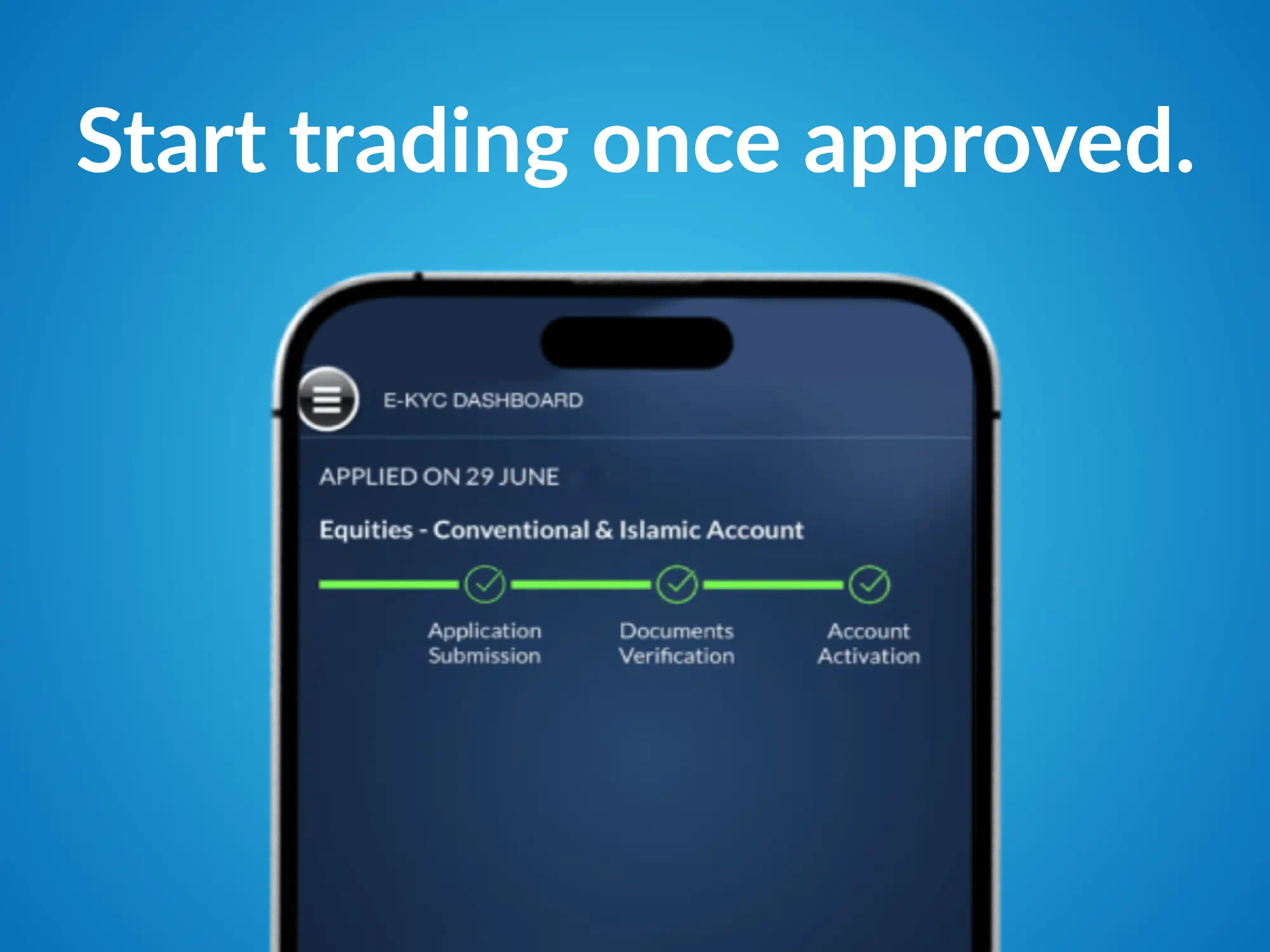
Last verified: 27 April 2026. Opening a futures account typically involves identity verification, risk disclosures, and selecting how you’ll trade (branch-assisted or online). RHB Invest’s account-opening flow lets you either (1) open a new futures account with branch follow-up, or (2) if you already have a futures account, apply to trade futures online and submit a DMA form after choosing a platform (Ayers GTS, QST, or CQG Desktop). (Source: https://www.rhbinvest.com/futures/account-opening/index.html) This guide walks you through both paths, what you’ll need, and common issues to avoid so your application isn’t delayed.
Quick Answer / Steps at a Glance (Last verified: 27 April 2026)
- Choose your path: New futures account opening vs enabling online futures trading for an existing account. (Source: https://www.rhbinvest.com/futures/account-opening/index.html)
- Submit the online account-opening request: Fill in your contact details, preferred state/branch, and (optional) preferred dealer so a Futures Broker’s Representative can assist. (Source: https://www.rhbinvest.com/futures/account-opening/index.html)
- If enabling online futures trading (existing account): Click “I have an existing Futures account and want to trade Futures online,” then download the DMA application form. (Source: https://www.rhbinvest.com/futures/account-opening/index.html)
- Select a trading platform: Choose Ayers GTS (beginner), QST (high volume), or CQG Desktop (professional) per RHB’s platform chart. Stat (as of 27 April 2026): Platform waiver thresholds listed are GTS FREE, QST 20 lots/month, and CQG Desktop 50 lots/month. (Source: https://www.rhbinvest.com/futures/platforms/index.html)
- Email the DMA form: RHB instructs applicants to email the completed form to [email protected] to finalise setup. (Source: https://www.rhbinvest.com/futures/account-opening/index.html)
- Plan your initial deposit: Check the margin table for the contract you intend to trade (e.g., FKLI initial margin RM5,000; last updated and effective date shown). (Source: https://www.rhbinvest.com/futures_margin_requirements.html)
Related resources (RHB): Platform comparison and requirements: https://www.rhbinvest.com/futures/platforms/index.html | Trading futures online FAQ: https://www.rhbinvest.com/trading_futures_online.html | Margin schedule: https://www.rhbinvest.com/futures_margin_requirements.html
What You’ll Need
- Contact details: Name, email address, phone number, preferred state and branch (required fields on RHB’s futures account-opening form). (Source: https://www.rhbinvest.com/futures/account-opening/index.html)
- For online futures trading signup: An existing Futures trading account and a valid email address registered with RHB Investment Bank Berhad. (Source: https://www.rhbinvest.com/trading_futures_online.html)
- Platform choice (if online trading): Ayers GTS / QST / CQG Desktop. (Source: https://www.rhbinvest.com/futures/account-opening/index.html)
- Device requirements (examples): RHB lists Windows 7+ and 4GB RAM+ for the GTS desktop app; iOS 15+ or Android 10+ for the GTS mobile app (as of 27 April 2026). (Source: https://www.rhbinvest.com/futures/platforms/index.html)
- Margin planning: The margin requirements page lists initial and maintenance margin and notes margins are subject to change. (Source: https://www.rhbinvest.com/futures_margin_requirements.html)
Time estimate: The online request form is short; branch follow-up and account activation timing depends on RHB’s workflow (no service-level timeline is stated on the account-opening page). (Source: https://www.rhbinvest.com/futures/account-opening/index.html)
Step-by-Step: How to Open a Futures Trading Account
Step 1: Decide whether you’re opening a new futures account or enabling futures online trading
Goal: Choose the correct application path so you don’t submit the wrong form.
Do this: On RHB’s account-opening page, pick either “I do not have any Futures account and want to open one” or “I have an existing Futures account and want to trade Futures online.” (Source: https://www.rhbinvest.com/futures/account-opening/index.html)
Result (what you should see): The next screen shows either the contact form (new account) or the online trading (DMA) flow (existing account).
Notes / warnings: If you apply for Futures Online Trading without an existing futures account, RHB says the application won’t be processed until you open the account first. “Your online trading application will not be processed until you open futures trading account with RHB Investment Bank Berhad.” — RHB Invest FAQs: Trading Futures Online (verified 27 April 2026). (Source: https://www.rhbinvest.com/trading_futures_online.html)
Step 2: Submit the futures account opening request form (new account path)
Goal: Provide enough information for RHB to contact you and start the account-opening process.
Do this: Complete the fields on the account-opening page, including whether you are an existing RHB Share Trading Client, your preferred state/branch, and whether you have a preferred dealer. (Source: https://www.rhbinvest.com/futures/account-opening/index.html)
Result (what you should see): A confirmation that your request has been submitted, and a Futures Broker’s Representative will follow up (timing depends on branch workflow).
Notes / warnings: RHB’s Getting Started FAQ states: “You may fill up online here and our Futures Broker’s Representative will assist you on opening the account.” (Source: https://www.rhbinvest.com/futures_faq.html)
Step 3: If you already have a futures account, apply for Futures Online Trading (DMA)
Goal: Enable online futures trading access for your existing futures account.
Do this: On the account-opening page, choose the existing-account option, then click Next to access the DMA application form download. (Source: https://www.rhbinvest.com/futures/account-opening/index.html)
Result (what you should see): A downloadable PDF form for DMA/online trading setup.
Notes / warnings: The Trading Futures Online FAQ states you must have an existing futures account and a valid registered email address to sign up. (Source: https://www.rhbinvest.com/trading_futures_online.html)
Step 4: Choose your futures trading platform (GTS, QST, or CQG)
Goal: Pick a platform that matches your trading frequency and access needs.
Do this: Use RHB’s platform feature chart to compare channels (desktop/web/mobile) and waiver requirements (FREE vs 20 lots/month vs 50 lots/month). (Source: https://www.rhbinvest.com/futures/platforms/index.html)
Result (what you should see): A clear shortlist (e.g., GTS for beginners; QST for high volume; CQG for professionals) aligned to RHB’s “Recommended for” labels. (Source: https://www.rhbinvest.com/futures/platforms/index.html)
Notes / warnings: Double-check device requirements before you commit—for example, GTS desktop lists Windows 7+ with Intel i5/i7+ and 4GB RAM+ (as of 27 April 2026). (Source: https://www.rhbinvest.com/futures/platforms/index.html)
Step 5: Submit the DMA form to finalise online trading setup
Goal: Complete RHB’s final step to activate DMA/online futures access.
Do this: After selecting your preferred platform, follow RHB’s instruction to email the completed DMA application form to [email protected]. (Source: https://www.rhbinvest.com/futures/account-opening/index.html)
Result (what you should see): Confirmation from RHB that your DMA/online trading access has been set up (timing depends on processing).
Notes / warnings: Ensure the email and account details you provide match what is registered with RHB to reduce back-and-forth. (Requirement note: https://www.rhbinvest.com/trading_futures_online.html)
Step 6: Check margin requirements before your first trade
Goal: Avoid rejected orders or forced liquidation by understanding required deposits.
Do this: Look up your intended contract on the margin requirements page and note the “Last updated” and “Effective Date.” Example: FKLI lists initial margin RM5,000 (effective date shown on the table). (Source: https://www.rhbinvest.com/futures_margin_requirements.html)
Result (what you should see): A clear estimate of the cash you need to deposit to open and maintain the position.
Notes / warnings: RHB notes margin requirements are subject to change from time to time, so re-check before placing orders—especially around volatile events. (Source: https://www.rhbinvest.com/futures_margin_requirements.html)
Troubleshooting / Common Issues
- Issue: “My Futures Online Trading application isn’t processed.”
Fix: Confirm you already have a Futures trading account; RHB says online trading applications won’t be processed until the account exists. (Source: https://www.rhbinvest.com/trading_futures_online.html) - Issue: “I can’t log in / I’m not receiving emails.”
Fix: Ensure you’re using a valid email address registered with RHB (a stated requirement). (Source: https://www.rhbinvest.com/trading_futures_online.html) - Issue: “I picked a platform but it doesn’t run on my device.”
Fix: Check the platform’s system requirements (e.g., GTS desktop lists Windows 7+ and 4GB RAM+; iOS 15+; Android 10+). (Source: https://www.rhbinvest.com/futures/platforms/index.html) - Issue: “My order is rejected due to insufficient margin.”
Fix: Re-check the contract’s initial margin and effective date on the margin table; margins are subject to change. (Source: https://www.rhbinvest.com/futures_margin_requirements.html) - Issue: “My preferred branch/dealer isn’t available.”
Fix: Choose the nearest state/branch available in the form and leave “preferred dealer” blank if you don’t have one (the form treats it as optional). (Source: https://www.rhbinvest.com/futures/account-opening/index.html)
FAQs
1) How do I open a futures trading account with RHB?
RHB’s Getting Started (Futures) FAQ says you can fill up the online form and a Futures Broker’s Representative will assist you on opening the account. (Source: https://www.rhbinvest.com/futures_faq.html)
2) What do I need to sign up for Futures Online Trading?
RHB’s FAQ states you must have an existing Futures trading account with RHB Investment Bank Berhad and a valid email address registered with the bank. (Source: https://www.rhbinvest.com/trading_futures_online.html)
3) Can I apply for Futures Online Trading if I don’t have a futures account yet?
RHB’s FAQ says you can apply, but your online trading application will not be processed until you open a Futures trading account with RHB Investment Bank Berhad. (Source: https://www.rhbinvest.com/trading_futures_online.html)
4) Which futures platform should I pick (GTS vs QST vs CQG)?
RHB’s platform chart positions GTS for new traders (FREE waiver), QST for high volume traders (20 lots/month waiver), and CQG Desktop for professional traders (50 lots/month waiver), as of 27 April 2026. (Source: https://www.rhbinvest.com/futures/platforms/index.html)
5) Where do I send the DMA application form?
RHB’s account-opening page instructs applicants to email the completed form to [email protected] to finalise setup (after selecting a platform). (Source: https://www.rhbinvest.com/futures/account-opening/index.html)
6) How much money do I need to start futures trading?
It depends on the contract you trade and the current margin requirements. RHB publishes initial and maintenance margin by product and effective date; for example, FKLI shows initial margin RM5,000 (effective date shown on the table; last updated date also shown). (Source: https://www.rhbinvest.com/futures_margin_requirements.html)
References (verified 27 April 2026)
- RHB Invest — Open a Futures Trading Account: https://www.rhbinvest.com/futures/account-opening/index.html
- RHB Invest — Futures Trading Platforms: https://www.rhbinvest.com/futures/platforms/index.html
- RHB Invest — Futures Margin Requirements: https://www.rhbinvest.com/futures_margin_requirements.html
- RHB Invest — FAQs: Getting Started (Futures): https://www.rhbinvest.com/futures_faq.html
- RHB Invest — FAQs: Trading Futures Online: https://www.rhbinvest.com/trading_futures_online.html
Learn more: If you want to open futures trading account, use RHB’s official page: https://www.rhbinvest.com/futures/account-opening/index.html
Disclaimer: This guide is for general information only and is not financial advice. Futures trading involves leverage and can result in losses exceeding your initial deposit. Requirements, margin levels, and platform terms can change; always verify current details on official pages and consider independent advice if needed.
